Photo to Text Converter
Extract Text from images using free Photo to text converter.
Extract Text from images using free Photo to text converter.
How to use this Image to Text Converter?
Use the following simple steps to extract text from using our photo to text converter:
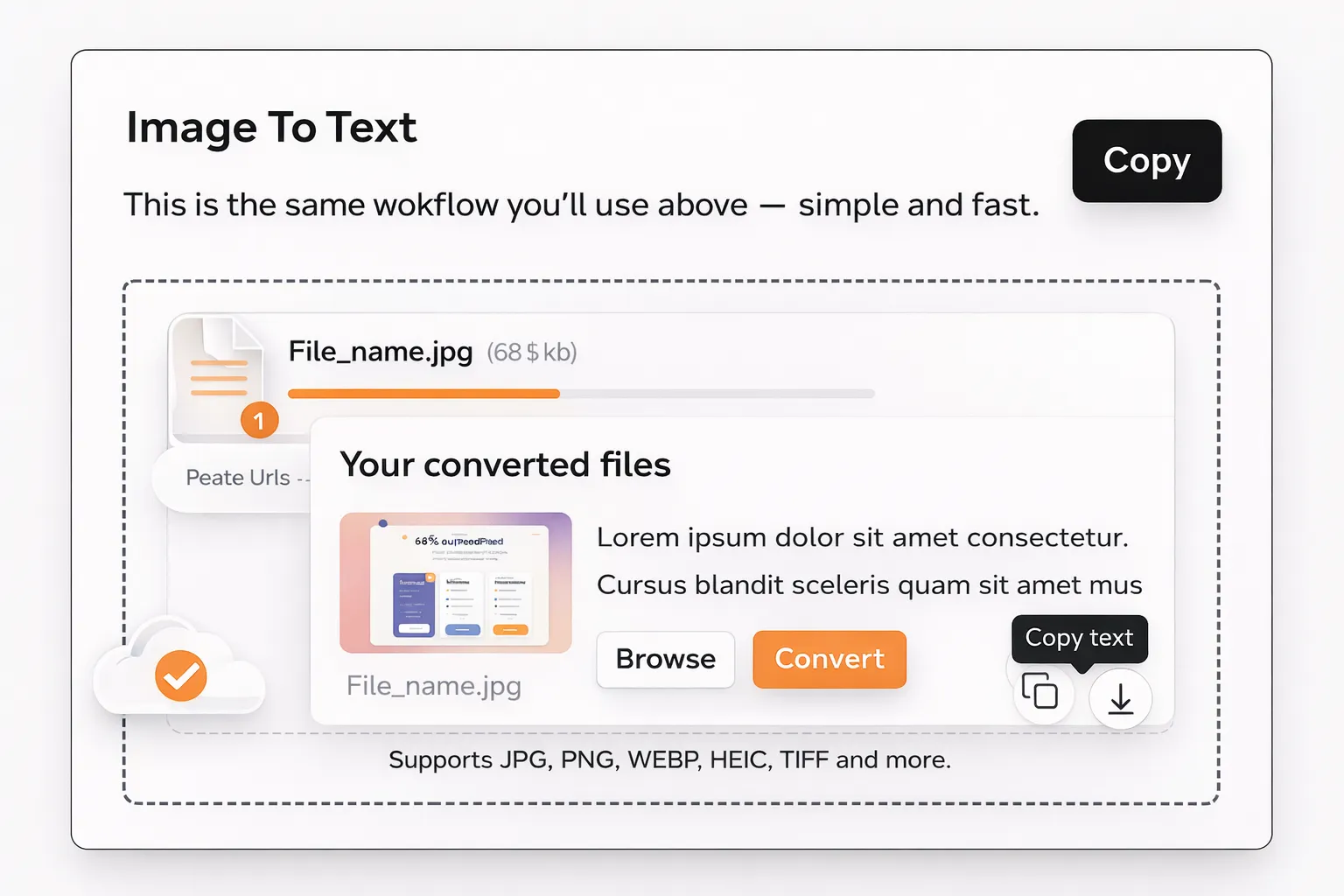
How does our OCR Tool extract text from Images?
This image to text extractor works using modern online OCR technology that reads and understands characters from images.
Scanning
First, the system scans the uploaded image and identifies text regions.
Characters Recognition
Next, OCR analyzes letters, words, and spacing patterns within the image.
Conversion
In the final step, the detected content is converted into editable and readable text.
Features
The best features of this photo to text converter are mentioned below:
High Accuracy Text Detection
Our image to text converter is built to recognize characters clearly. It can detect printed text from photos of any type. It can also convert scanned documents, and screenshots into editable text.
Supports Common Image Formats
You can extract text from all types of image formats like JPG, JPEG, PNG, WebP, HEIC etc.
Fast Online OCR Engine
Our tool is built with modern OCR technology that makes the image to text conversion process quick and efficient. Even large images are processed within seconds using optimized OCR algorithms.
Simple and User-Friendly Interface
The layout is clean and distraction-free. Users can easily extract text from photo files without dealing with complex settings.
Preserves Original Formatting
Paragraphs, line breaks, and spacing are maintained during conversion. This helps keep the extracted text readable and usable.
Secure Image Processing
Uploaded images are handled securely. The tool deletes images from the server automatically to ensure user privacy and data safety.
Why this photo to text converter? (Benefits Section)
Clear benefits that make our OCR tool faster, easier, and more accurate for everyday use.
Time Saving |
Manually typing text from images can be slow. This tool extracts text instantly. |
Improved Accuracy |
OCR reduces human typing errors and missing words. |
Easy Online Access |
Works directly in the browser without downloads or setup. |
Versatile Use |
Useful for documents, notes, receipts, screenshots, and more. |
Clean Output |
Produces readable and editable text that can be reused easily. |
Multilanguage Support |
This photo to text converter understands all types of languages and it can extract them from images efficiently. |
Supported Image Types |
JPG, PNG, WEBP, BMP, HEIC, GIF and TIFF |
Where is this picture to text converter used?
This image to text tool can be used for many purposes. Some of them are discussed below:
Scanned Documents
You may have printed documents stored as images. This tool can help you extract text from image files so they can be edited or archived digitally.
Screenshots
Users often capture screenshots containing useful text. The photo to text converter allows easy extraction without retyping.
Study Notes
Students can convert photos to text from handwritten or printed notes for easier revision and digital storage.
Receipts and Bills
You can convert invoices, bills, and payment slips into editable text for record keeping and expense tracking.
Book Pages
Readers can extract text from book pages or magazines for referencing or quoting purposes.
Application Forms
Forms filled on paper can be converted into digital text for reuse or submission.
Social Media Images
Text from quotes, captions, or informational images can be extracted for reuse or sharing.
Product Labels
Product information printed on packaging can be converted into text for documentation or analysis.
Who can use this Photo to text converter?
Some of the best use cases of this picture to text converter tool are as follows:
Journalists
Our tool can help journalists to extract text from photographed notes, documents, and reports quickly and accurately.
Students
Students can use the image to text converter to digitize notes, assignments, and study material.
Teachers
Teachers can convert printed worksheets, books into editable text using our free photo to text converter.
Office Professionals
Professionals working in the offices can extract text from scanned contracts, reports, and official documents using this free OCR tool.
Researchers
This img to text converter can be used by researchers to convert image-based data into text for analysis, storage, and citation.
Freelancers
Freelancers like writers, designers, and consultants can extract text from images for project work and documentation using this quick OCR tool.
Frequently Asked Questions (FAQs)
We have already answered common concerns of our Photo to text converter users:
How to select text from image in phone?
Open the photototext.io website in your mobile browser, upload files/Images, click “convert”, and you will get the extracted editable text within seconds.
Is it free to select text from an image?
Yes, this image to text converter allows basic users to extract text from 10 image files per day without any cost.