Photo to Excel Converter (Image to XLS)
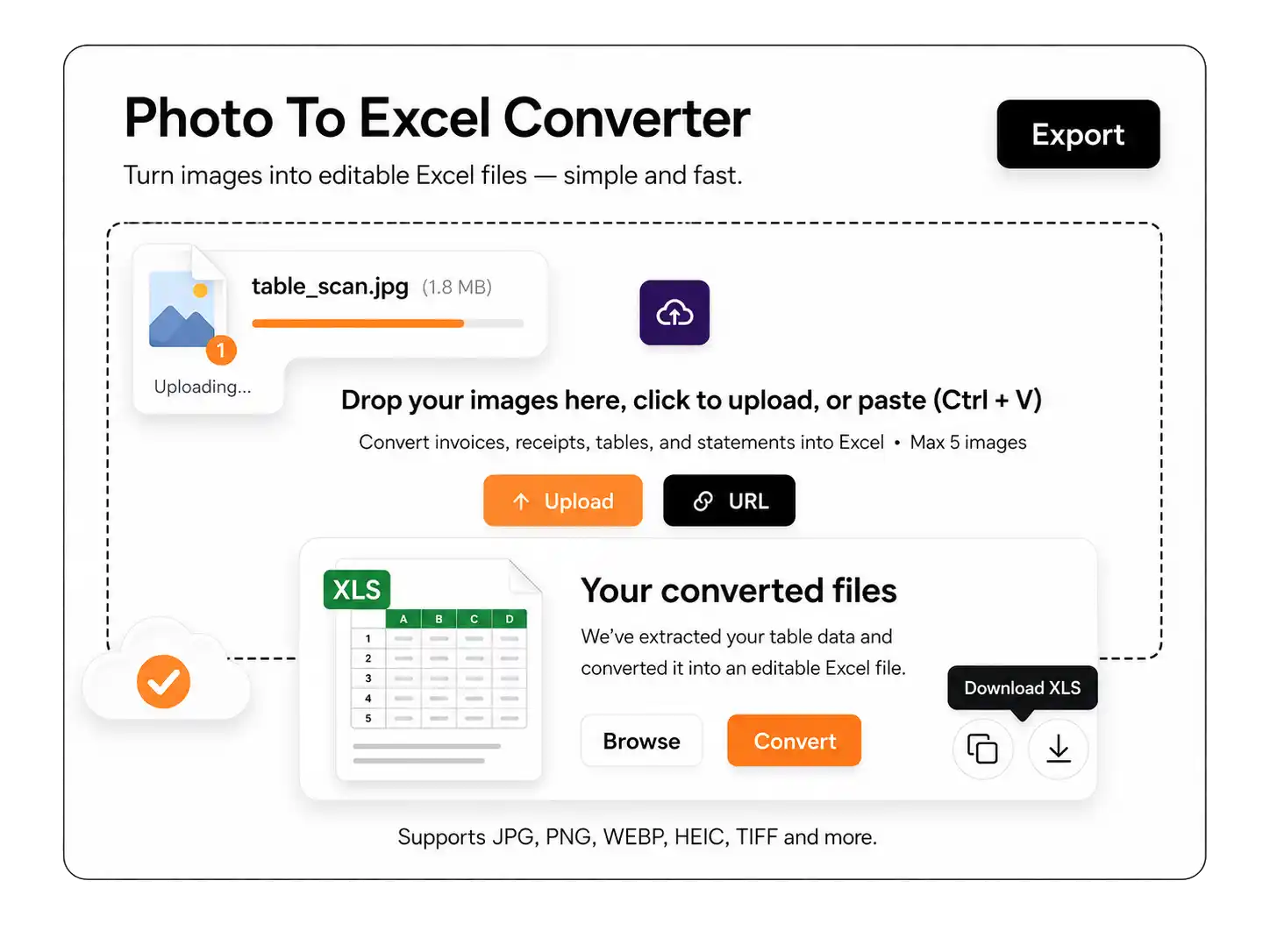
Turn Images into Editable Excel Files Instantly. Convert images, scanned documents, and screenshots into structured Excel spreadsheets within seconds.
Turn Images into Editable Excel Files Instantly. Convert images, scanned documents, and screenshots into structured Excel spreadsheets within seconds.
How to Use Photo to Excel Converter
Using the image to XLS converter is simple and requires only a few steps:
Key Features of Photo to Excel Converter
Some of the best features of this JPG to Excel converter are discussed below:
Accuracy
The photo to excel converter uses intelligent Optical Character Recognition (OCR) to detect printed text, numbers, and structured data from images. It accurately scans content and ensures that extracted information remains clear, readable, and ready for spreadsheet use.
Structured Table Recognition
This image to excel solution recognizes table layouts automatically. It preserves row and column alignment, and the data appears in properly organized cells rather than unstructured text blocks.
Multiple Image Format Support
The image to xls converter supports all the popular image formats such as JPG, PNG, JPEG, BMP, HEIC and TIFF. You can upload different file types without worrying about compatibility or conversion errors.
XLS & XLSX Output
Users can download converted files in both XLS and XLSX formats. This ensures seamless compatibility with Microsoft Excel, Google Sheets, and other spreadsheet applications.
Fast Processing
The jpg to excel conversion process is completed within seconds. Our tool can handle multiple files efficiently while reducing manual workload.
Free & Secure
The Image to Excel converter is completely free to use and does not require registration. Uploaded images are processed securely, ensuring user data remains protected throughout the conversion process.
Where to Use Photo to Excel Converter
There is no limitation on anyone for using this tool. But the best use cases of this tool are as follow:
Financial Records |
The photo to Excel converter helps finance managers and accountants to organize financial data efficiently, making accounting, reconciliation, and reporting much easier without manual data entry. They can convert Invoices, receipts, balance sheets, and expense summaries is into fully editable spreadsheets |
Business Documents |
Companies often deal with scanned reports, printed statements, and operational documents. Using the image to excel tool, these documents can be transformed into structured Excel files for analysis, internal sharing, and performance tracking. |
Academic Data |
Students and researchers can extract tables, statistics, and structured data from textbooks or research papers. The image to xls converter allows academic information to be organized in spreadsheets for calculations, comparisons, and better presentation. |
Product Price Lists |
Retailers and wholesalers can convert catalog images and pricing sheets into Excel format. With the jpg to excel feature, product details and price data can be managed, updated, and tracked more efficiently. |
Screenshot Data |
Data captured from dashboards, analytics tools, or online reports can be converted into structured spreadsheets. The Image to excel converter eliminates the need for retyping information, saving time while maintaining accuracy. |
Frequently Asked Questions (FAQs)
How accurate is the OCR in the photo to excel converter?
The OCR technology provides high accuracy, particularly for printed text. The clearer the image, the better the text recognition. We try to provide you the best possible extraction using this tool.
How many images can this tool process at a time?
Our tool allows you to convert 5 JPGs to Excel at a time for free plan.
Can I convert handwritten table images to Excel?
While the OCR works best with printed text, it can also recognize handwritten text depending on the handwriting.